Your logo in 3D and your pictures in dots, free
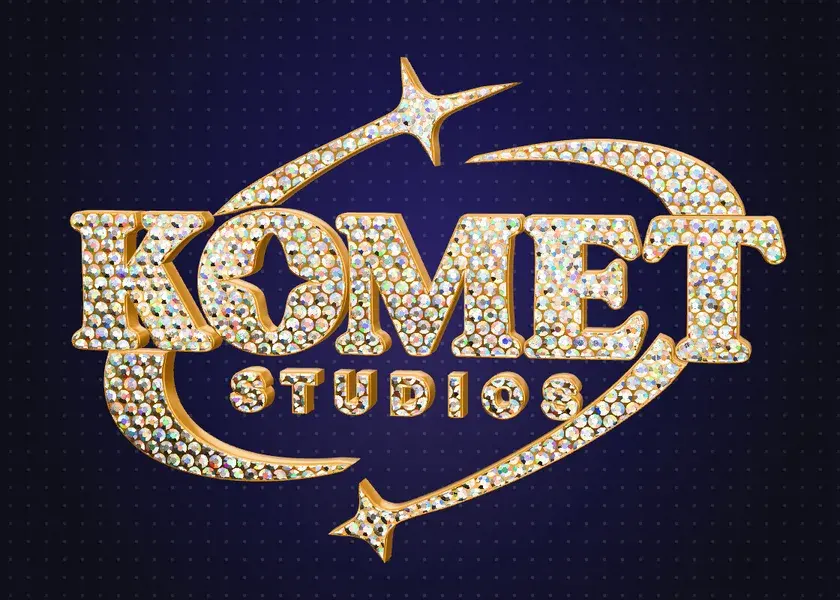
Komet Studios makes two free tools. The 3D Logo Studio turns a flat logo into a 3D mark you can turn, light and dress in gold, diamonds, chrome or velvet. Dither Press prints any picture in dots, the look of newspapers, early computers and handheld games. Both run entirely in your browser, neither needs an account, and neither sends your files anywhere.
We built them because they are the tools we reach for on client work, and because a free tool that actually helps says more about a studio than a page of claims. This post shows what they make. Every picture below came out of the tools themselves.
- 88
- finishes in the 3D Logo Studio, in 12 kinds
- 31
- ways to dither in Dither Press
- 0
- files sent to our servers, by either tool
Your file stays on your machine
Most online editors upload your picture, work on it on their servers and send the result back. These two do the work in your browser instead. The page brings the tool to you, and your logo or photo never leaves the tab you dropped it in.
Your file
A logo, a photo, a word you type
Your browser
Read, shaped, lit or printed, on your own machine
Your download
PNG, SVG, MP4 or a 3D file, saved straight to you
Our servers
Never receive your picture. Nothing to store, so nothing to leak.
That matters if your logo is unreleased, if the photo is of a client, or if you simply do not want another company holding your files. It also makes the tools fast, because nothing waits on a network.
The 3D Logo Studio in two steps
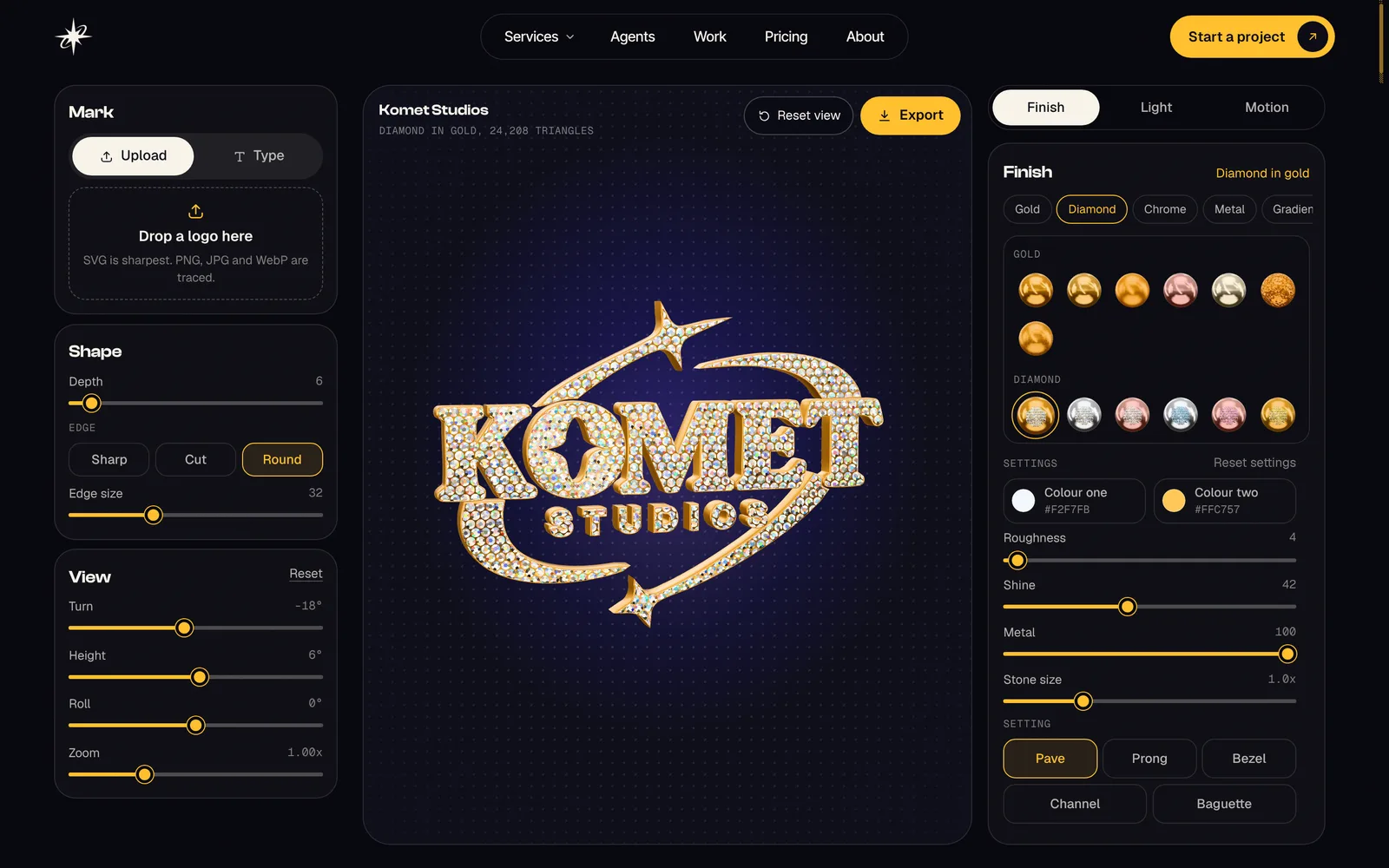
Bring your mark, then dress it
Drop an SVG for the sharpest edges, or a PNG, JPG or WebP and it is traced into outlines for you. No logo yet? Type a word and set it in one of twelve fonts. Then set the depth and the edge, pick a finish and turn it with your finger or mouse.
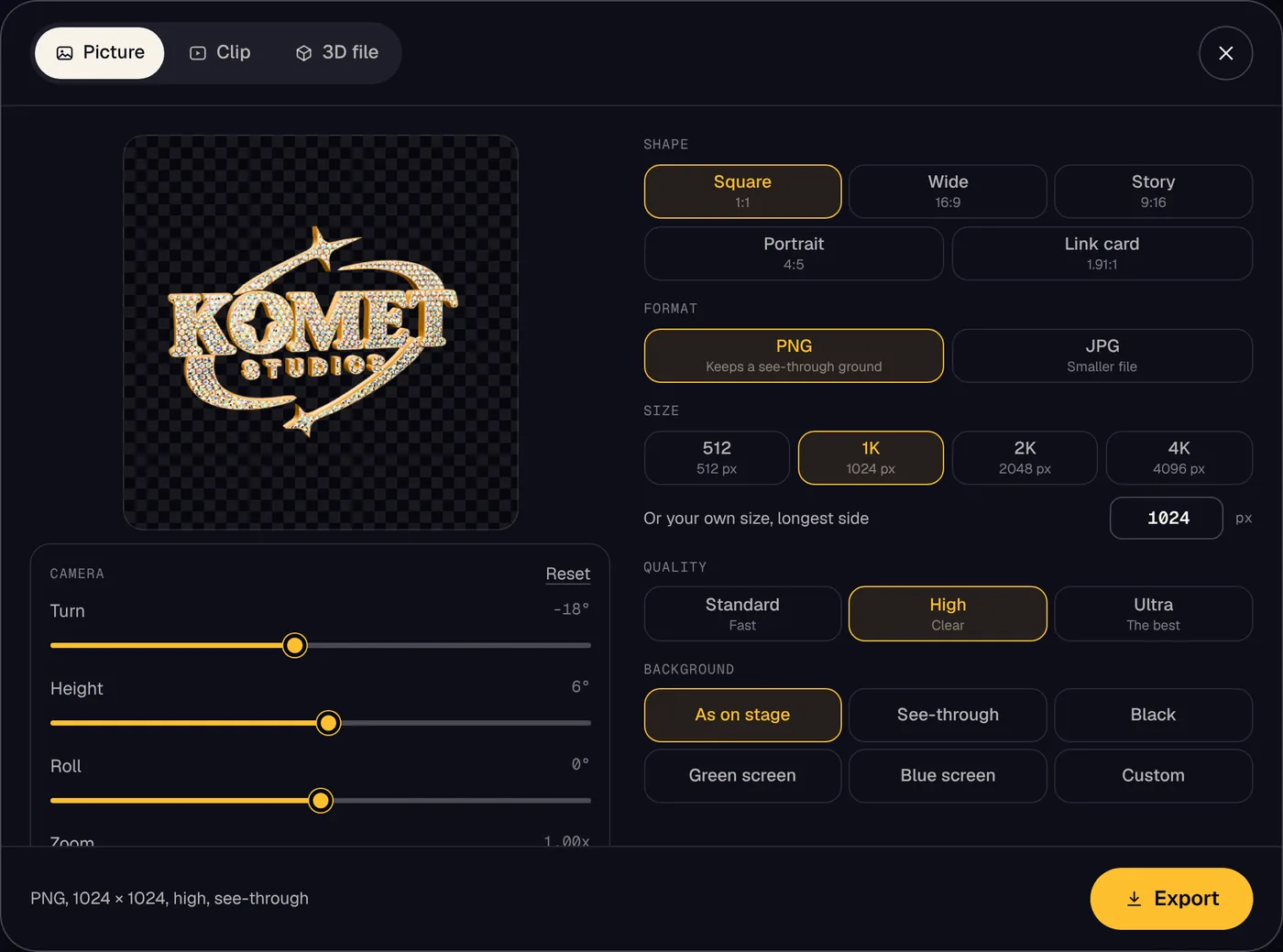
Take it away
A picture in five shapes up to 4K, a looping clip that plays one whole turn, or a 3D file. Pick a see-through, black, green screen or custom background, and the camera angle you want.
One logo, eight finishes
The fastest way to see what the studio does is to keep the logo still and change only what it is made of. Same mark, same light, eight finishes:
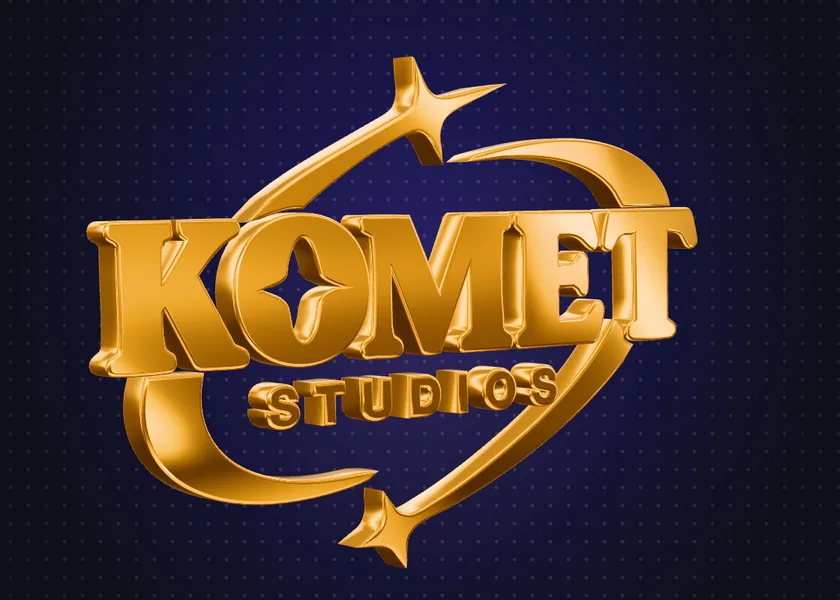
Solar gold
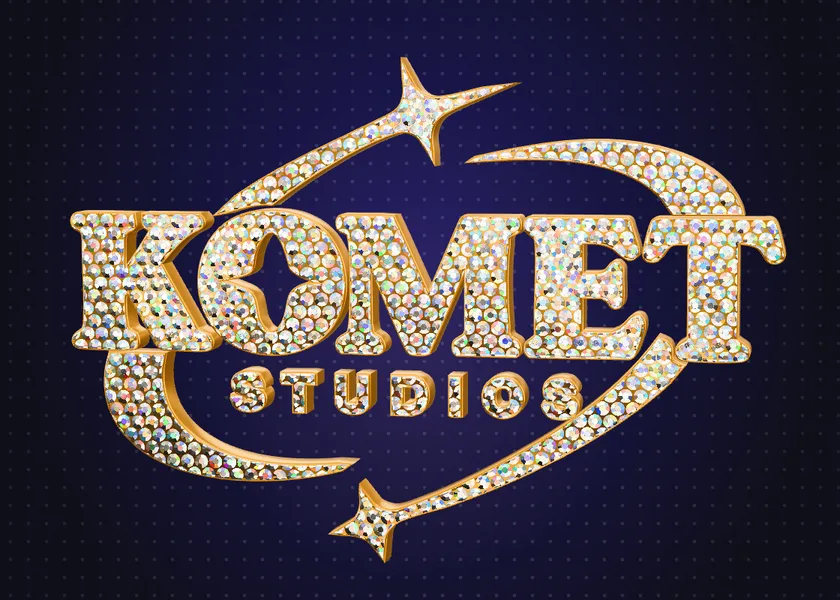
Diamond in gold
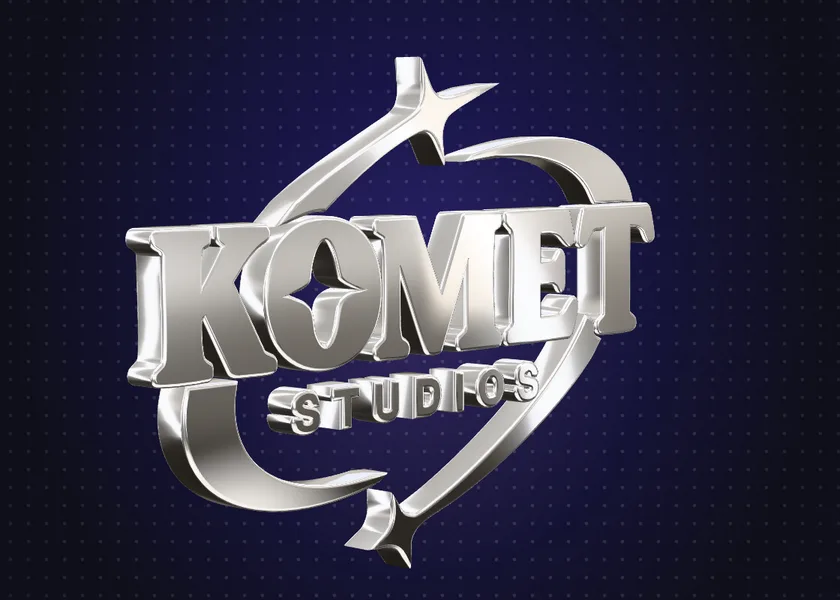
Mirror chrome
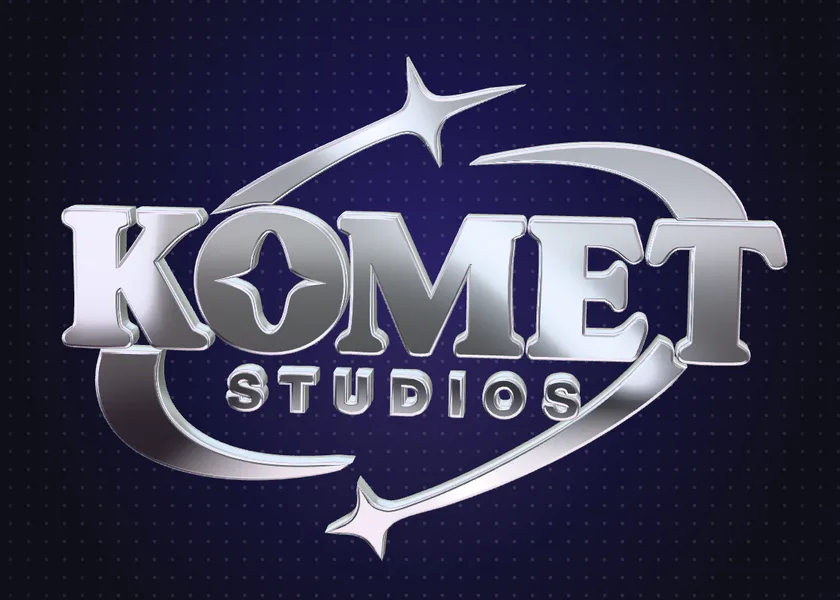
Holo foil
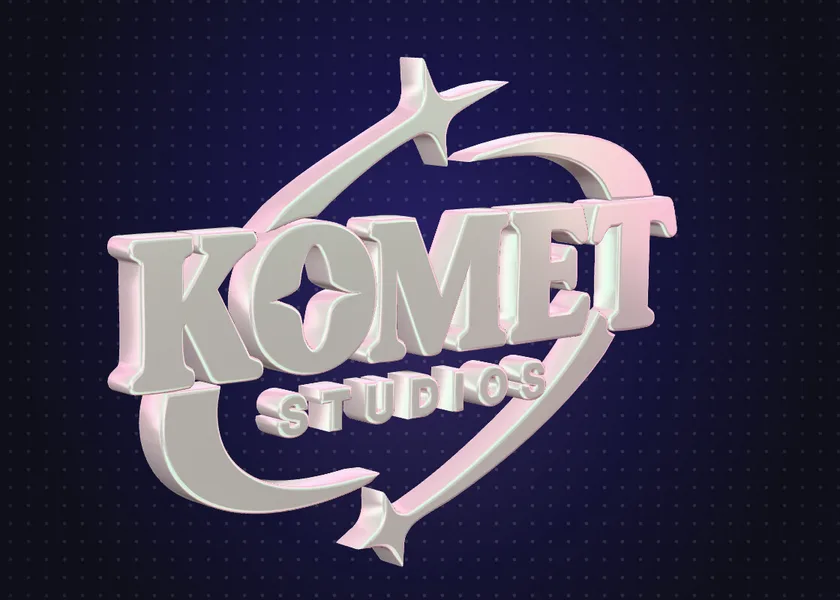
Pearl
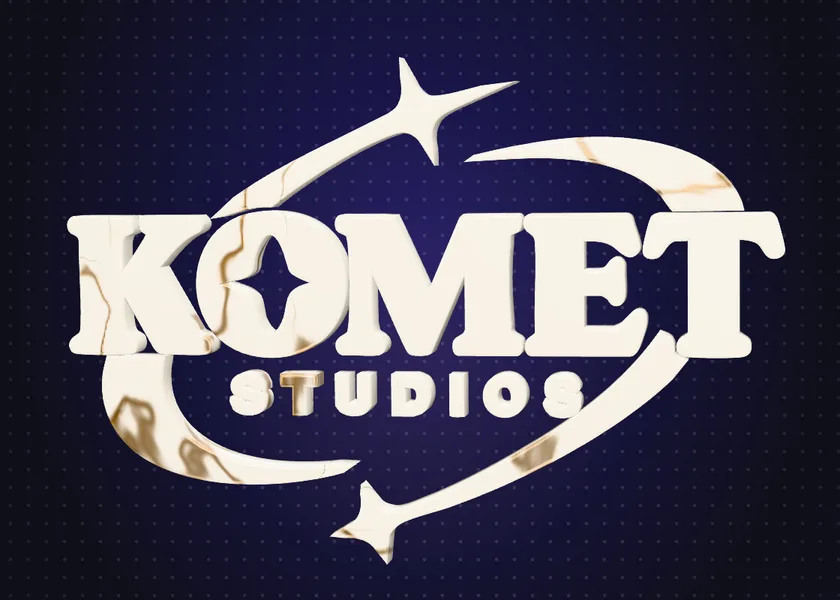
Calacatta gold

Royal velvet
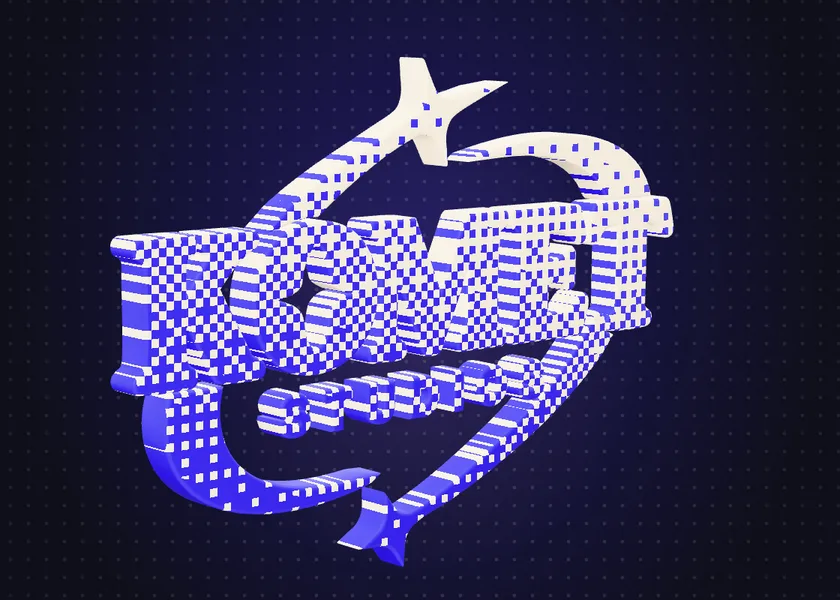
Violet dither
Here is every finish, a row for each kind. Stone has the most, twelve, from Carrara marble to obsidian. Each one can be recoloured and tuned, and when you switch between finishes your settings come with you, so trying diamonds in platinum instead of gold is one tap.
Gold7
- Solar gold
- Mirror gold
- Satin gold
- Rose gold
- White gold
- Forged gold
- Brushed gold
Diamond7
- Diamond in gold
- Diamond in platinum
- Diamond in rose gold
- Blue diamond
- Pink diamond
- Canary diamond
- Black diamond
Chrome7
- Mirror chrome
- Soft chrome
- Brushed steel
- Forged chrome
- Black chrome
- Ice chrome
- Violet chrome
Metal7
- Copper
- Bronze
- Aluminium
- Titanium
- Gunmetal
- Cast iron
- Carbon weave
Gradient7
- Nebula
- Sunrise
- Aurora
- Dusk
- Candy
- Ember
- Lagoon
Iridescent7
- Oil slick
- Holo foil
- Pearl
- Pink pearl
- Black pearl
- Beetle
- Soap bubble
Glass6
- Clear glass
- Frosted glass
- Violet glass
- Amber resin
- Ice
- Smoked glass
Enamel7
- Sun enamel
- Flare enamel
- Violet enamel
- Mint enamel
- White ceramic
- Black lacquer
- Glossy plastic
Clay and velvet8
- Clay
- Plaster
- Rubber
- Velvet
- Red velvet
- Emerald velvet
- Royal velvet
- Black velvet
Stone12
- Carrara marble
- Calacatta gold
- Night marble
- Nero marble
- Verde marble
- Rosa marble
- Jade
- Granite
- Black granite
- Sandstone
- Terrazzo
- Obsidian
Pattern6
- Dither
- Violet dither
- Halftone
- Stripes
- Checker
- Starfield
Fur7
- Snow fur
- Gold fur
- Pink fur
- Panther
- Bear
- Monster
- Mint shag
Pictures, clips and 3D files
A still comes in five shapes, each sized for where it is going. They are drawn here to scale against each other:
- 1:1
Square
Instagram, LinkedIn, Discord
- 16:9
Wide
YouTube, slides, X
- 9:16
Story
Reels, TikTok, Shorts
- 4:5
Portrait
Instagram feed
- 1.91:1
Link card
Share cards
The clip is a looping MP4 that turns the logo one whole way round, so it repeats without a seam: made for a website hero, a stream overlay or a story. The 3D files are for when the mark needs to live somewhere else:
- GLBOne file with everything insideThe format to use for the web and for most 3D apps, including Blender and Spline.
- GLTFThe same model, as open textFor developers who want to read or change the file by hand.
- USDZFor Apple devicesOpens in AR on an iPhone or iPad, so your logo can sit on a real desk.
- OBJThe old standardOpens almost anywhere, from older 3D apps to game engines.
- STLFor a 3D printerThe shape alone, ready for a slicer. Print your logo as a sign or a keyring.
What is free
All of it, in both tools. There is nothing to unlock and nothing to pay for: every size, every clip and every 3D file, as many as you like.
| 3D Logo Studio | Dither Press | |
|---|---|---|
| Design and preview | Without limit | Without limit |
| Pictures | Any number, up to 4K | Any number, up to 8192 px |
| Looping clips | Any number, up to 4K | No |
| 3D files | Yes | No |
| SVG you can edit | No | Yes |
| Account needed | No | No |
| Price | Free | Free |
What dithering is
Dithering prints a picture with only a few colours by arranging dots of them, so from a step back your eye mixes them into the tones in between. A gold dot here and a black one there reads as dark gold. It is how newspapers printed photos with one ink, and how early computers showed a photo with two colours. It is also the look this whole site is made of.

 OriginalTwo inks
One picture, six ways
How the dots are arranged is the method, and each one has its own character. Dither Press has 31 of them in six families. These are six of the best known, all printing the same flower in the same two inks:

Floyd Steinberg
The classic. Keeps the most detail.

Atkinson
Crisper and brighter. The early desktop look.

Bayer 8
A neat crosshatch grid.

Blue noise
An even grain with no pattern.

Crosshatch
Pen and ink.

Halftone
Dots that grow with the dark, as in print.
The differences are easiest to see on a plain ramp from black to white, the simplest picture there is. Watch how each method fills the middle:
No ditherEach spot is just black or white

Bayer 8A fixed grid of thresholds

Floyd SteinbergEach dot hands its error to the next

Blue noiseThresholds scattered evenly

HalftoneDots that grow on a screen

Why Atkinson looks brighter
The methods in the first family, error diffusion, all work the same way. Each dot is set to the nearest ink, and the difference between the tone it wanted and the ink it got (the error) is handed on to the neighbours not yet printed. What changes is who gets it, and how much:
Floyd Steinberg
Passes on all of the error: 16 sixteenths
Atkinson
Passes on six eighths
Two eighths are dropped, so lights stay light and edges stay crisp
How many inks
You can print in two inks or up to sixteen, picked by hand or from over twenty ready-made sets. Or let Dither Press take the inks from the picture itself, anywhere from two colours to thirty-two. Here is a candy-coloured bear, with the inks it chose under each print:
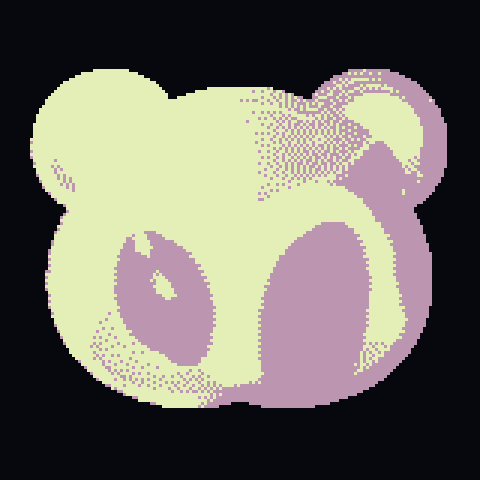
2 inks
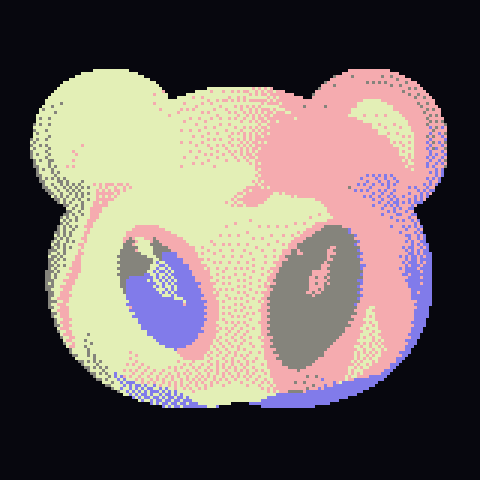
4 inks

8 inks

16 inks
A dithered file is tiny
A print with few inks is mostly long runs of the same colour, which is exactly what PNG compresses best. We saved the same 1200 pixel bear every way Dither Press can and weighed the files:
That makes a dithered picture a good choice for a fast website: a hero image in a handful of inks can weigh less than a single icon set, and it has a look nobody will mistake for stock photography.
Fast, because it runs on your machine
With no upload and no queue, the only wait is the print itself. We timed the engine that runs inside Dither Press on a full one-megapixel picture, one dot for every pixel:
Saving a print
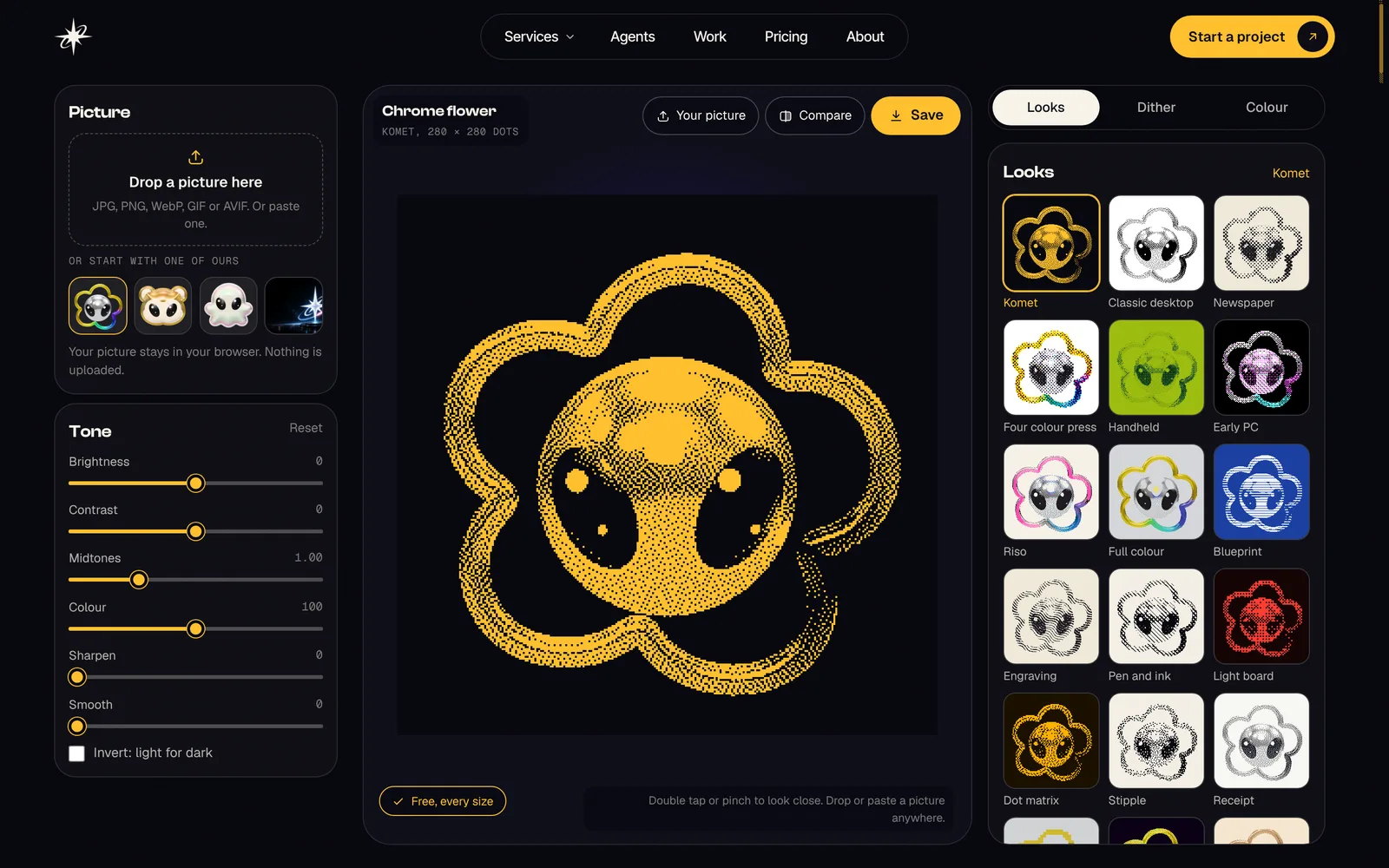
Start from a look
Drop your picture, or paste it, and try the ready-made looks: each tile shows your own picture in that style. Then tune the method, the dot size, the inks and the tone.
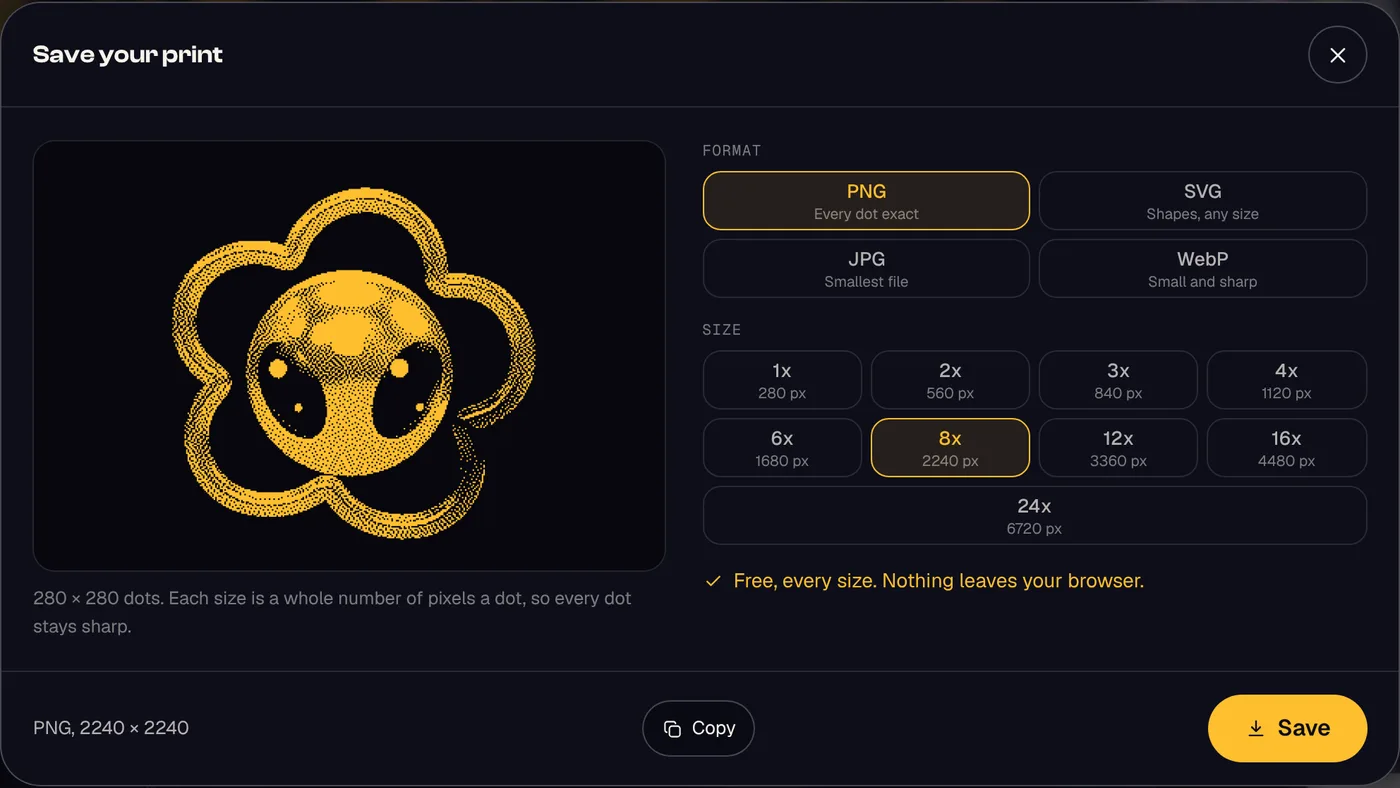
Save it sharp
Save a PNG, JPG or WebP at up to 8192 pixels, where every size is a whole number of pixels a dot so no dot ever blurs, or an SVG with one shape per ink for Figma, Illustrator, Inkscape or a cutting machine.
What to make with them
- PostsA launch postYour logo in diamonds or chrome as a square picture, and the same mark turning as a story clip.
- HeroA website heroA looping clip of your mark for the top of the page, or a dithered photo that loads in a few kilobytes.
- MerchMerch and printA one-ink halftone or an SVG for screen printing, stickers, tote bags and a cutting machine.
- ARYour brand on a real deskA USDZ of your logo that a client can place in the room with an iPhone, or an STL to print as a sign.
Questions people ask
Are the tools really free?
Yes, both of them, all the way through. Every size, every clip and every 3D file, with no account, no subscription and no daily limit.
Do my files get uploaded?
No. Both tools read, work on and save your files inside your own browser. Your logo or picture never reaches our servers, and closing the page clears it.
What is the best dither method?
For detail, Floyd Steinberg. For a crisp, bright look, Atkinson. For a tidy retro grid, Bayer. For an even grain with no pattern, blue noise. For print and merch, a halftone. The Looks tab in Dither Press shows each one on your own picture, which is the quickest way to choose.
What logo file works best for 3D?
An SVG gives the sharpest edges because it is already made of outlines. A PNG, JPG or WebP works too: the studio traces it into outlines, with a threshold to tune and an invert switch for a light logo on a dark ground.
Can I use what I make commercially?
Yes. If the logo or picture is yours, the files you save are yours to use on your site, your socials, your merch and your packaging.
Do they work on a phone?
Yes. In both tools the picture stays at the top of the screen while the controls scroll under it, and what you save goes straight to your phone.
Both tools are at kometstudios.com/tools. And if you would rather have the whole brand built for you, the mark, the site and the systems behind it, that is what we do.
Keep reading
More from the blog, picked to follow on from this one.

The subscription tax, line by line
Rented software looks cheap one tool at a time. Here is a worked example of what it really costs a small company, and how to find the part worth stopping.
Read it
Your first agent does one job
Skip the AI employee that does everything. Hire an agent for one boring, well-defined job on one channel, prove it for a month, then add the next.
Read itKeep, merge or build
A simple way to decide what to do with every tool you pay for. Most of it stays, some of it merges, and only a small part is worth building and owning.
Read itBuilt for you, owned by you
Brand, site, software and agents, built as one system and handed over. Fixed scope, written down before we start.